How does the order-ahead store get built?
Automatically. When you add a product to the POS with its price, sizes, modifiers and photo, it appears on your online store. You only decide which items are online and set store hours.
 getcafepos
  Layer: The usual
An order-ahead system lets customers order and pay for a drink before they arrive, then pick it up. In GetCafePOS your online store is generated automatically from the products, prices, modifiers and photos in your POS. Pickup orders arrive on the register and bar screen like any other order — with no marketplace commission per order.
30-day free trialIncluded from Single Shot ($39/mo)
Store builds itself from your POS menu
Modifiers and upcharges work online
Sold out syncs instantly
No per-order marketplace commission
Set it up once in the back office; after that it runs at the speed of the counter.
Every drink you add to the POS, with its sizes, modifiers and photo, appears on your store.
Hide items you only sell in-store, mark items sold out, and set store hours.
Put your store link on Google, Instagram and a QR code at the counter.
A paid pickup order appears on the register and bar screen with the customer’s name.
A regular opens your store on the way to work, taps her usual — large oat cortado, extra shot — and pays. It appears on the bar screen with her name. When she walks in, it is on the pickup shelf. No marketplace took 15–30% of the order.
An illustrative example of how the feature is used, not a customer story.
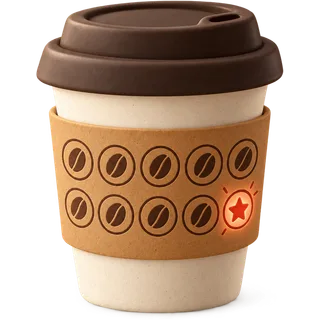 Loyalty & rewardsPoints on every purchase, redeemed at the counter or online, tied to a phone number — no paper card, no extra app fee.
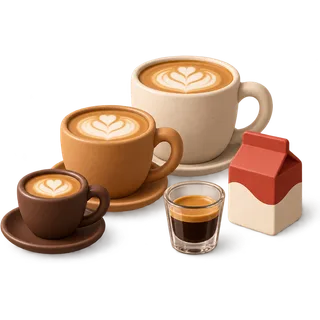 Drink modifiersSizes, milks, shots, syrups, temperature and sweetness as priced modifier sets that print exactly as ordered.
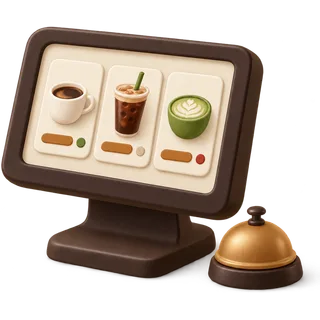 Bar & kitchen ticketsEvery paid order goes to the right place: drinks to the bar printer or screen, food to the kitchen, with names and modifiers.
 Answered by the GetCafePOS team. Can’t find yours? Ask us.
Automatically. When you add a product to the POS with its price, sizes, modifiers and photo, it appears on your online store. You only decide which items are online and set store hours.
No commission from us. Your plan price is the same however many pickup orders you take. Card fees from your payment processor still apply, as they do in the shop.
Yes. The store uses the same modifier sets as the register, with the same upcharges, so online orders print on the bar ticket exactly like counter orders.
It appears on the register and on the bar screen (Double Shot and up) the moment it is paid, marked as an online pickup with the customer’s name.
Yes. Use the address we give you or connect a domain you own. If you want a full custom website around the store, that is the managed website or the Full Pour bundle.
Yes. Close the store or mark items sold out from the back office, and reopen when the bar catches up.
GetCafePOS is built for pickup. You can keep using delivery apps alongside it; their orders are entered or integrated separately.
Yes. The auto-generated store is part of every plan. The managed website is an optional, done-for-you upgrade.
Start a 30-day trial, add five drinks and run a few test orders before you open. No card and no contract.
30-day free trial · no card · no contract
/ or Ctrl K · ↑ ↓ · Enter

Nothing matched
Try one of these instead

We use strictly necessary storage to remember your settings. Analytics and marketing tags stay off until you allow them. Cookie policy.