How does the tip screen work?
Before payment, the customer-facing display offers your three tip presets, a custom amount and no tip. The choice is added to the sale. If you have no customer display, the cashier can add the tip on the register.
 getcafepos
  Layer: The tip
Coffee shop tipping in GetCafePOS works at checkout: the customer screen offers preset tip amounts or a custom tip, the tip is recorded on the sale and against the staff member, and end-of-day reports show tips separately from sales so you can pay them out or pool them under your own policy.
30-day free trialIncluded from Single Shot ($39/mo)
Presets that fit your market
Tips kept apart from sales and tax
Per-staff totals
Export for payroll
Set it up once in the back office; after that it runs at the speed of the counter.
Set three tip presets (percentages or fixed amounts) and allow a custom amount or no tip.
The tip is offered on the customer-facing display or added by the cashier before payment.
Each tip is stored on the sale and against the staff member who took it.
The register closing report shows card tips and cash tips apart from sales.
At close on Friday the manager runs the tips report for the week, sees card tips by staff member and day, and pays out according to the shop’s written pooling policy. Nobody counts a jar against a spreadsheet at midnight.
An illustrative example of how the feature is used, not a customer story.
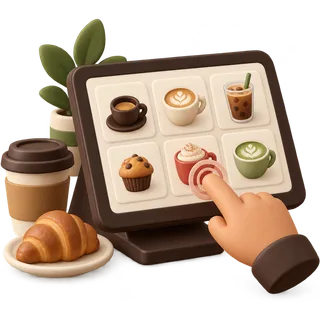 Fast tap orderingA big-button order screen built for the morning line: two taps for a regular drink, three for a custom one.
 Reports & multi-locationDaily sales, best sellers, hours and staff — for one cafe or a group, with per-location menus and prices.
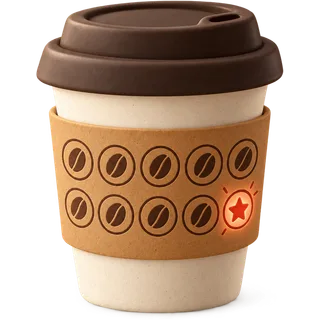 Loyalty & rewardsPoints on every purchase, redeemed at the counter or online, tied to a phone number — no paper card, no extra app fee.
 Answered by the GetCafePOS team. Can’t find yours? Ask us.
Before payment, the customer-facing display offers your three tip presets, a custom amount and no tip. The choice is added to the sale. If you have no customer display, the cashier can add the tip on the register.
Either. Coffee orders are small, so many US cafes use three small fixed amounts rather than percentages. In the UAE and Pakistan, many shops turn tip prompts off or use a round-up.
Tips are recorded separately from sales and tax in GetCafePOS reports. How tips are treated for tax and payroll depends on your country and state; ask your accountant.
Yes, as a policy you run. The tips report gives totals by staff member and by day, which you use to pay out under your written pooling policy. In the US, pooling rules come from the Department of Labor and your state.
Cash tips can be entered at register close so the day’s tip total is complete. Card tips are recorded automatically on each sale.
That is a legal question, not a software one. US federal rules restrict managers and supervisors from keeping employees’ tips. GetCafePOS only reports who earned which tips.
You can allow a tip on online pickup orders as well; it is recorded on the order like an in-store tip.
Yes. Tip prompts and tip reports are part of Single Shot, Double Shot and Roastery.
Start a 30-day trial, add five drinks and run a few test orders before you open. No card and no contract.
30-day free trial · no card · no contract
/ or Ctrl K · ↑ ↓ · Enter

Nothing matched
Try one of these instead

We use strictly necessary storage to remember your settings. Analytics and marketing tags stay off until you allow them. Cookie policy.